Consideration
Before we determine how many the number of partitions spark needed, we should consider:
- Data files: Could the data files be split?
- Resource: Do the worker enough resources?
Calculation
For the data file can’t split: 1 partition.
For a data file:
For multiple data files:
128M & 4M
128M: This is the default partition size of spark.
4M:
spark.sql.files.openCostInBytesis cost to open files.
Example
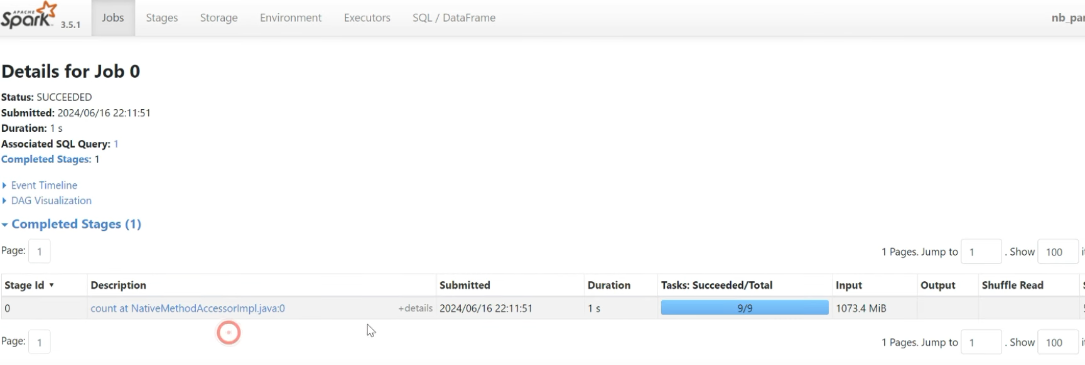
A data file
from pyspark.sql import SparkSession

spark = SparkSession \
	.builder \
	.master('local[*]') \ # using all of cores
	.appName('no_partition') \
	.getOrCreate()

order_schema = 'order_id long, order_date date, customer_id long, order_status string'

orders_df = spark.read \
	.format('csv') \
	.schema(order_schema) \
	.load('~/data/orders_1gb.csv')

orders_df.count()

# no_partition
orders_df.rdd.getNumPartitions()
Applying formula a file:
- no_cores = 4
- partition =
- Max = 9
Multiple data files
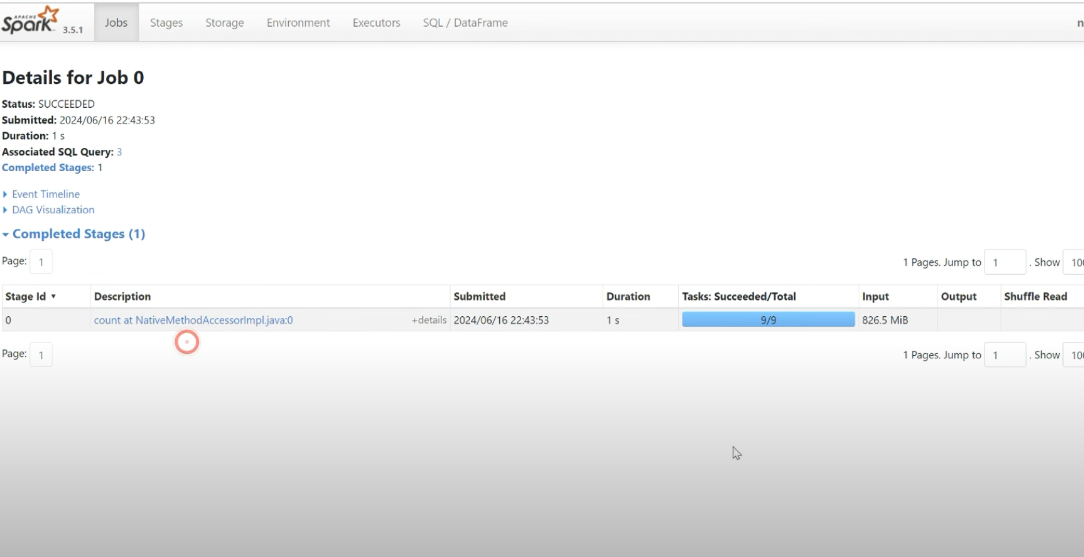
orders_df = spark.read \
	.format('csv') \
	.schema(order_schema) \
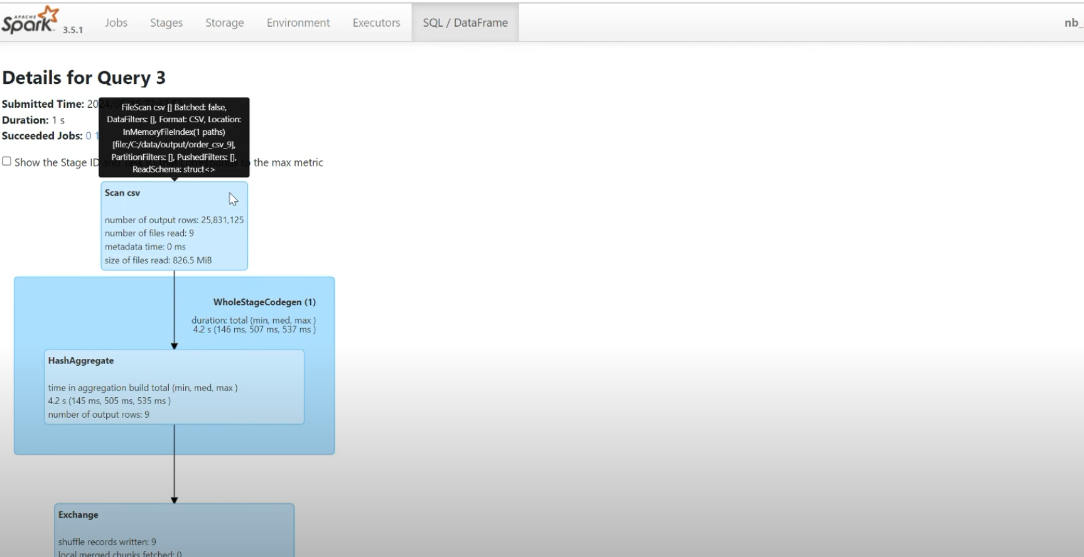
	.load('~/data/orders_csv_9')

orders_df.count()

# no_partition
orders_df.rdd.getNumPartitions()
Applying formula a file:
- no_cores = 4
- file_size=100M
- partition =
- Max = 9
Shuffle
The number of partitions
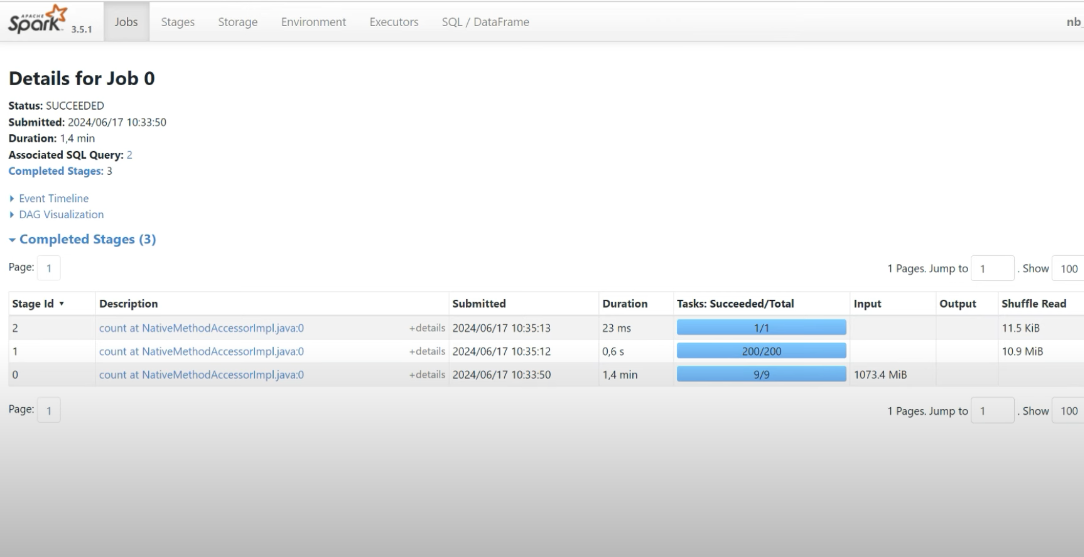
The default number of partitions after shuffling is 200 partitions.
spark.conf.get('spark.sql.shuffle.partitions') # 200

spark.conf.get('spark.sql.adaptive.enable') # true, spark auto optimize number of partitions

# disable adaptive to test
spark.conf.set('spark.sql.adaptive.enable', 'false')

orders_df.distinct()

# no_partition
orders_df.rdd.getNumPartitions()